
Mondial Casino Login
Access your account instantly and pick up right where you left off.
Top Mondial Casino Games




Game Library





Logging into your Mondial Casino account is quick once you know how. It uses the email and password you created when you joined, working on any desktop or mobile browser. If you cannot get in, the solutions here help with resetting your password, account locks, verification delays, and VPN issues.
How to Log In: Step-by-Step
Mondial Casino runs on instant-play HTML5, so you log in through a modern browser without any downloads. Always visit the official site by typing the address or using a saved bookmark. Do not use mirror sites or links from strange emails, ads, or messages, as fake login pages can steal your details.
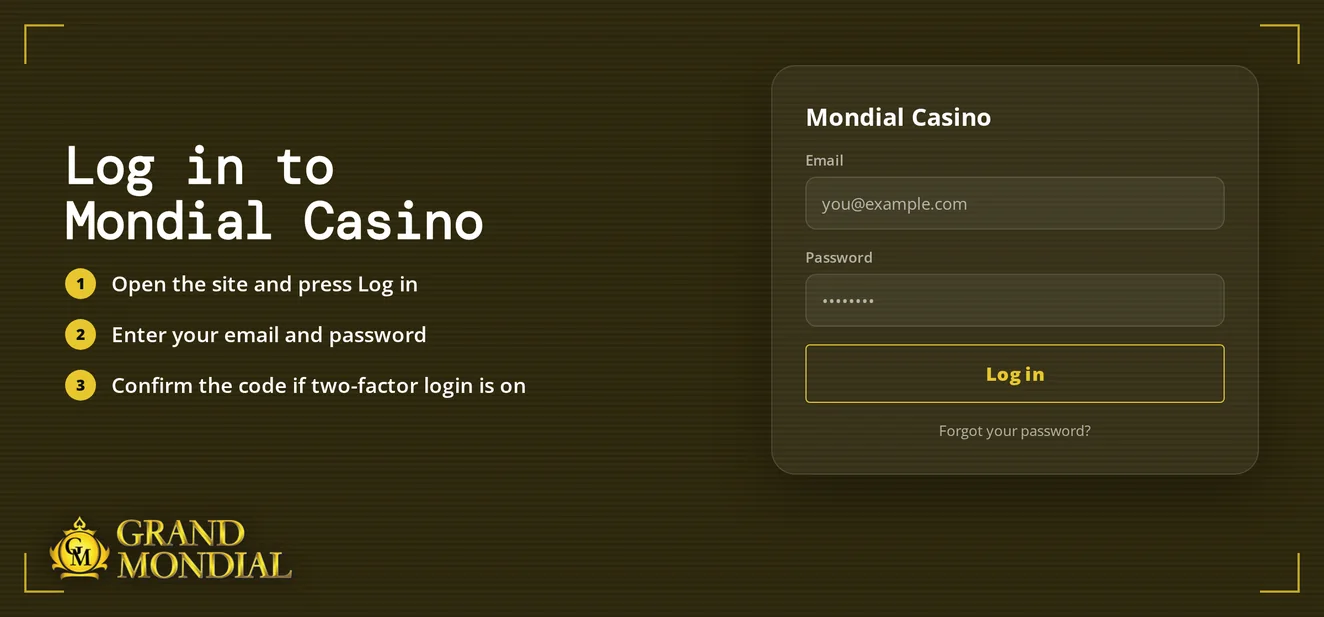
Go to the official Mondial Casino website.
Click the login button.
Type the email and password you used when you signed up.
Submit your details. The lobby will appear, showing your balance in your account currency (CAD, USD, EUR, GBP or NZD).
Login Problems and Fixes
Most login failures come from five common reasons. Identify yours in the list and try the solution.
| Problem | Likely Cause | Quick Fix |
|---|---|---|
| Wrong password | Typo, caps lock or an outdated saved password | Retype it by hand, then reset the password |
| Account locked | Cooling-off, self-exclusion or a support restriction | Contact live chat support |
| KYC pending | ID, address or payment-ownership documents outstanding | Upload the documents and ask support to confirm |
| VPN or proxy active | Your connection masks your location | Switch it off and sign in again |
| Page reloads or loops back | Old cookies or cached data | Clear cookies and cache |
Biometric login is an optional extra that works only on your device. If your fingerprint or face scan does not work, just enter your password manually.
To clear cookies and cache:
- Go to your browser's settings and locate the privacy or history section.
- Choose cookies and site data.
- Delete this information and close the browser fully.
- Open the official site again and attempt to log in.
How to Reset Your Password
You start the process; support only gets involved if the email does not come. The reset works as long as your registered email address is still valid.
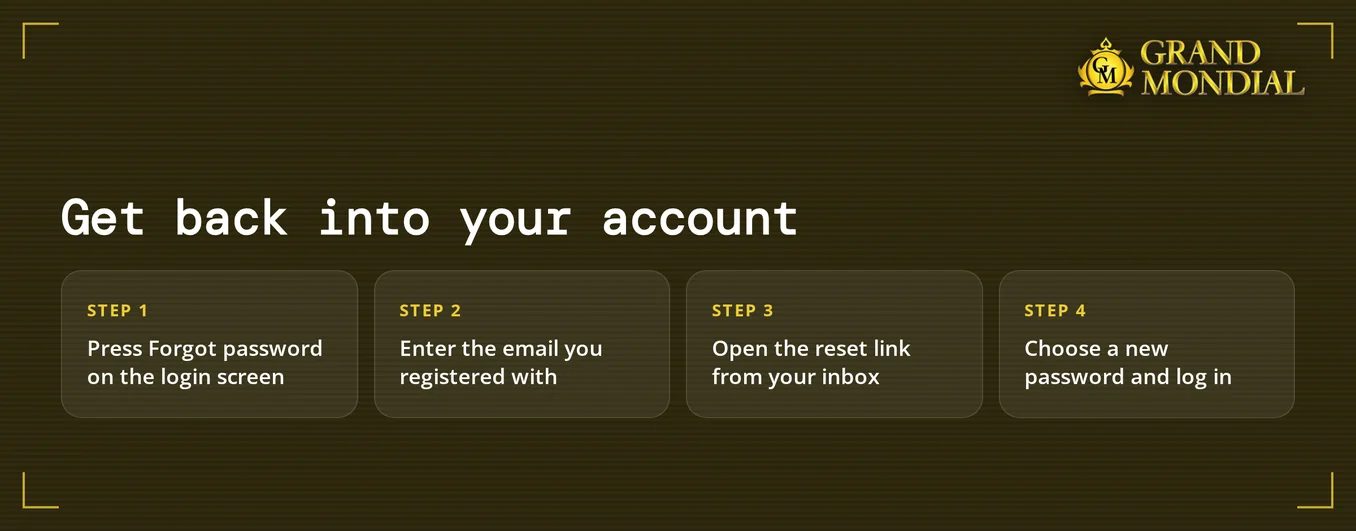
- On the login page, click the 'forgot password' link.
- Input the email address linked to your Mondial Casino account.
- Look for the reset email, checking your spam folder if you do not see it.
- Use the link in the email to create a new password.
- Sign in using your new password.
Create a password that's at least 12 characters long, combining letters, numbers, and symbols. Make sure it's unique to this account. If you don't get an email in a few minutes, contact live chat. The team can verify the email on your account.
Account Locked or Suspended
Each account lock has a specific cause. That cause determines who can resolve it and when you'll regain access.
| Reason | Who Acts | When Access Returns |
|---|---|---|
| Cooling-off (24 hours to 6 weeks) | You, through support | When the chosen period ends |
| Self-exclusion (6 months) | You, through support | After the 6 months |
| Kahnawake exclusion registry | You | While your registry entry stays active, the lock stays |
| Open KYC request | You upload, support reviews | After the documents are approved |
| VPN or proxy use | You disconnect, support reviews | After support confirms |
To unblock your account:
- Go to the 24/7 live chat and provide the email you used to register.
- Request that support tells you the exact reason for the lock.
- When documents are required, submit them immediately.
- If a cooling-off period or self-exclusion is in effect, access returns only after it finishes.
Services like ConnexOntario (1-866-531-2600) provide help if gambling is no longer just fun.
KYC Verification
Mondial Casino may request documents (photo ID, proof of address and proof of payment ownership) after a deposit, before a withdrawal, or both. An account with pending requests can remain locked until support clears the files.
Once your files are ready:
- Submit the documents using the method support specifies in live chat.
- Check that every name shown matches your account name exactly.
- Allow support time to check your documents.
- Log back in once support confirms everything is approved.
VPN Policy
Using a VPN or proxy violates Mondial Casino's terms and can block your login. Turn it off before you visit the site, even on mobile.
- Disable your VPN or proxy connection.
- Shut your browser and then launch it again.
- Go to the official website and enter your login details.
- If you still can't get in, contact live chat and confirm your VPN is disabled.
Logging In on Mobile
Mondial Casino does not have a dedicated app for iOS or Android. You access the casino through your phone's web browser. The site is mobile-friendly and uses the same login as on a computer.
- On a mobile browser, the full casino loads in HTML5. Use your usual email and password.
- Legacy desktop client: Mondial Casino still provides a downloadable program. Log in with your registered account details.
- Biometric login is an option on compatible devices. It is entirely optional.
- Push notifications require your opt-in. You will not receive any until you enable them.
If biometric login fails, reactivate it in your device settings or simply use your password.
Contact Support
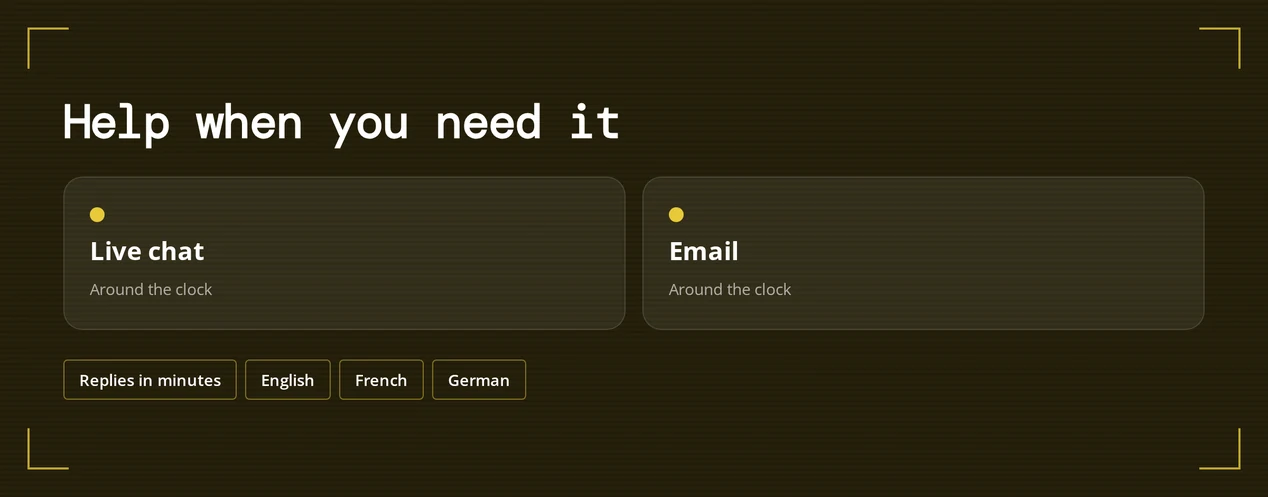
Support runs around the clock, so a locked account never waits for office hours. Include your registered email and a short description of the problem in your first message.
| Channel | Hours | Languages |
|---|---|---|
| Live chat | 24/7 | English, French, German |
| 24/7 | English, French, German |
Use live chat for the fastest help with account locks or verification holds. Email is better for sending documents or screenshots.
FAQ
Mondial Casino is for players aged 19 and older. Keep gambling as entertainment. Set affordable limits and use cooling-off or self-exclusion when you need a pause.